
Colours and contrast that suit every pair of eyes
Visitors switch your pages to the contrast and colour scheme that works for them, while your original design stays untouched for everyone else.
15-day money-back guarantee · Works with any theme · No cookies
Full control over colour
From a quick dark mode to fully personal colours.
Dark contrast
A dark version of any page, great for light sensitivity and late reading.
Light contrast
Bright, clean backgrounds with dark text.
High contrast
Maximum contrast for low vision.
Saturation
Low or high saturation, or full monochrome.
Smart invert
Inverts the page while keeping photos and videos natural.
Custom colours
Visitors pick their own text, title and background colours.
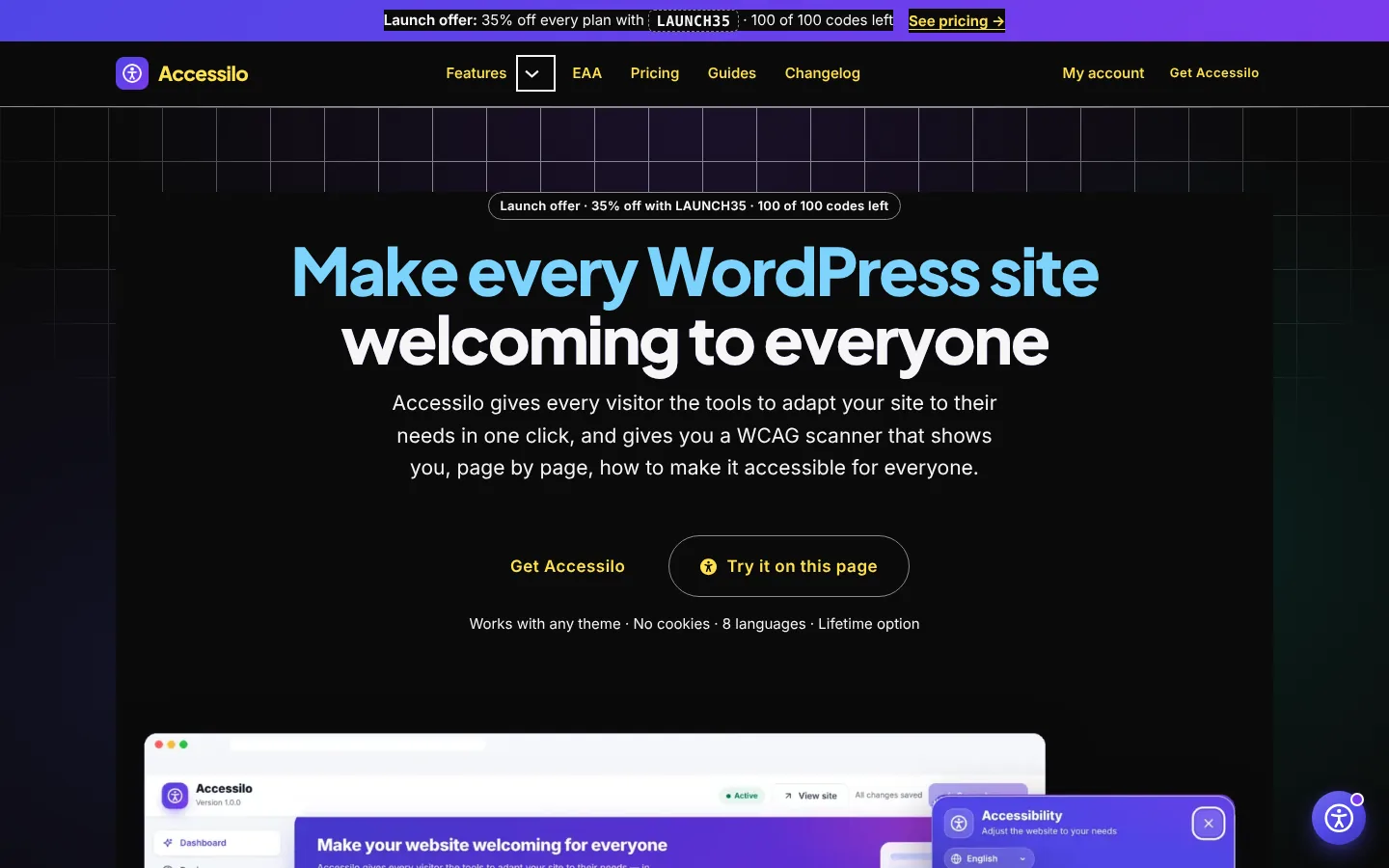
Dark, light or high contrast
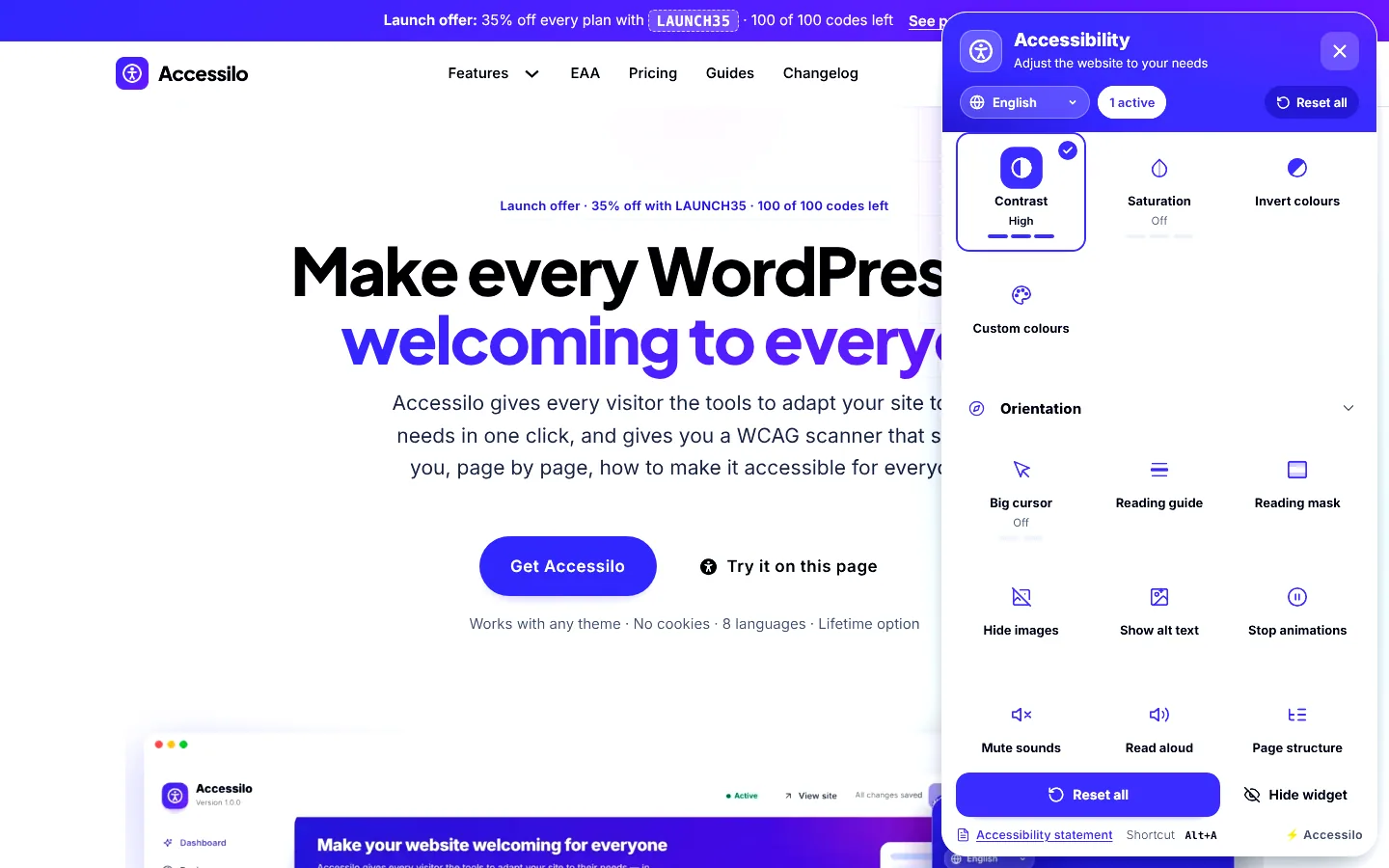
Contrast modes apply to the entire page in one click. Visitors cycle through dark, light and high contrast right from the Colours section of the menu.
- Works on headers, content, footers and forms
- Images and videos stay natural
- Remembered on every following page
- Combine with any readability tool
Visitors choose the colours they read best
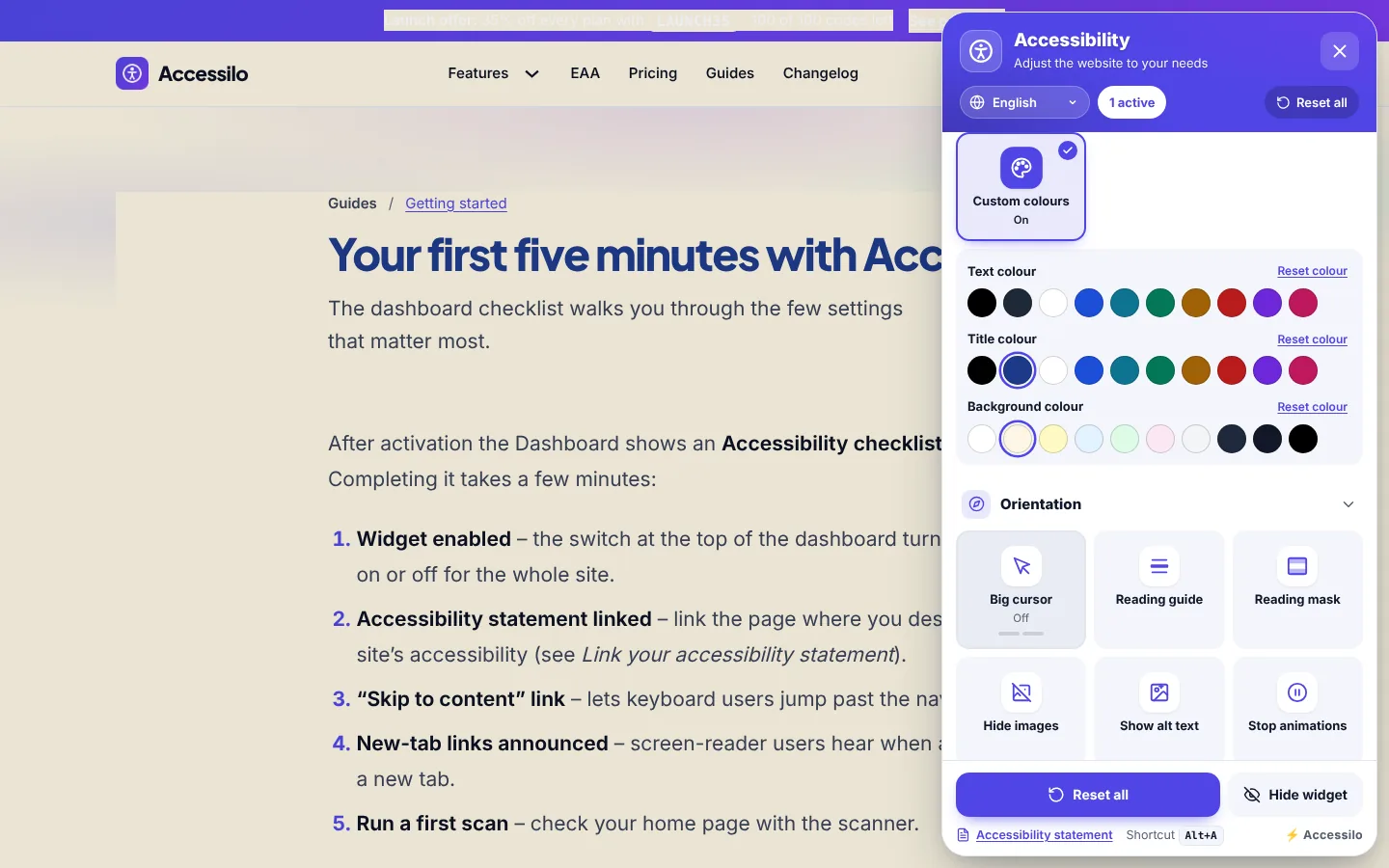
Some people read best on cream, others with dark blue titles. Custom colours let visitors pick text, title and background colours from carefully chosen swatches.
- 10 swatches each for text, titles and background
- Reset each colour separately
- Ideal for dyslexia and visual stress
- No effect on other visitors
Monochrome and saturation controls
Lower saturation or switch to monochrome to reduce visual noise, or increase saturation to make colours easier to tell apart.
- Low and high saturation
- Full monochrome mode
- Helpful for colour vision deficiency
- Pairs well with the Seizure safe profile
How it works
Instant, reversible, personal.
Open the Colours section
All colour tools sit together in the menu.
Pick a mode or colours
The page switches instantly, without reloading.
Keep browsing
The choice follows the visitor across your whole site.
Questions about colour and contrast
Does invert colours ruin photos?
No. Images and videos keep their natural colours while the rest of the page is inverted.
Does this replace good colour contrast in my design?
It is a great complement. Designing with sufficient contrast gives everyone the best start, and the tools let each visitor go further.
Is my brand colour checked in the widget?
Yes. When you choose the widget colours in the admin, Accessilo checks the contrast automatically.
Can I turn off colour tools?
Yes, every tool can be switched on or off individually.
15-day money-back guarantee
Try Accessilo on your sites with zero risk. If it's not right for you, for any reason, write to us within 15 days of your purchase and we'll refund you in full. No questions asked.
Make your next site welcoming to everyone
Install in two minutes, tune it to your brand, and let every visitor read your site their way.
Launch offer: 35% off with LAUNCH35
