Help visitors focus, listen and find what they need
Read aloud, reading mode, a reading guide and an instant page outline make long pages easy to follow, for people with dyslexia, ADHD, low vision or simply tired eyes.
15-day money-back guarantee · Works with any theme · No cookies
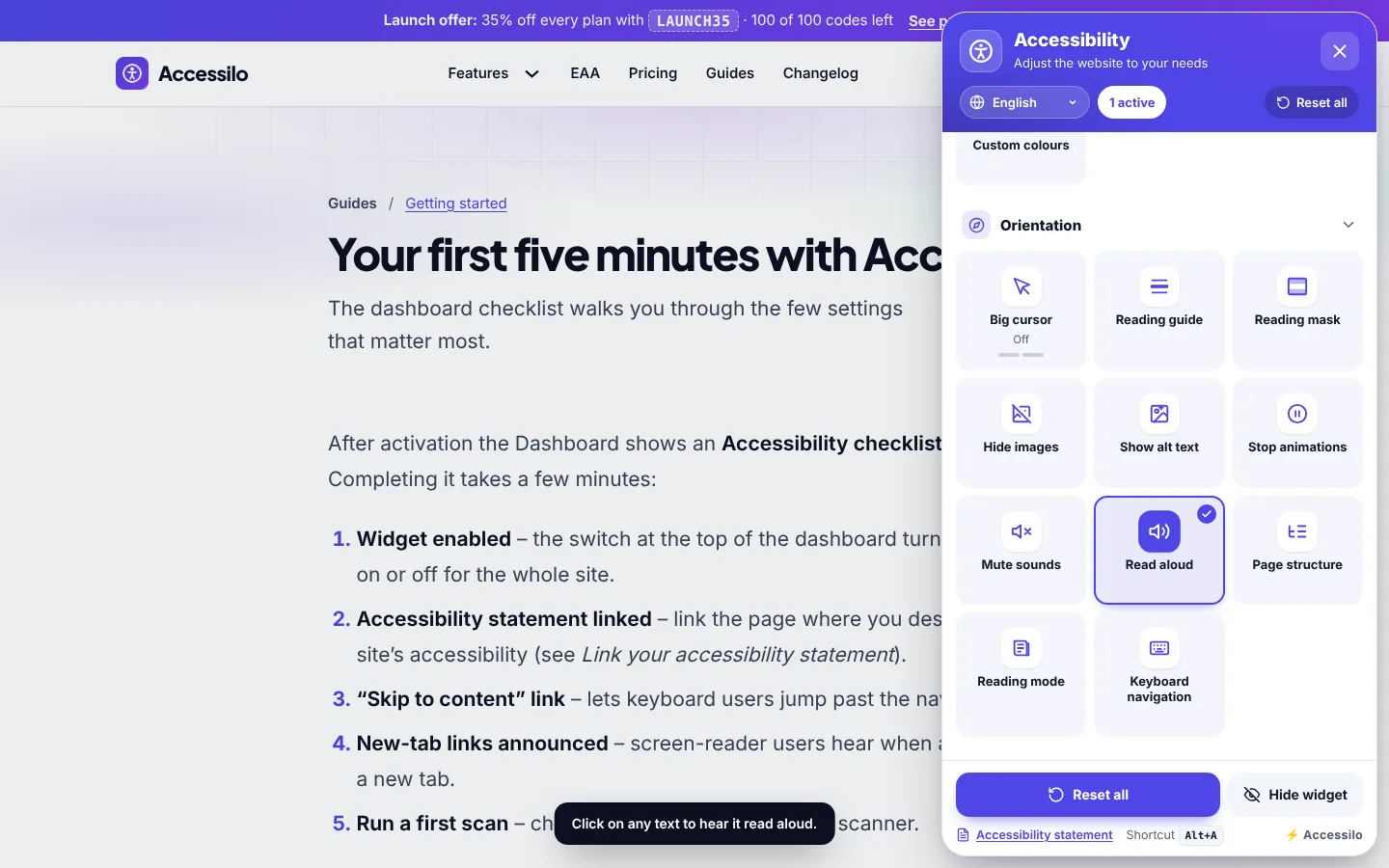
Orientation tools that reduce effort
Less effort for the reader means more of your content gets read.
Read aloud
Click any text to hear it with the voices built into the visitor’s browser.
Reading mode
The main content as clean, distraction-free text.
Reading guide and mask
A line or a bright band that keeps the eye on one line.
Page structure
Headings, regions and links in one list to jump anywhere.
Big cursor
A large black or white cursor that is easy to follow.
Stop animations
Freezes GIFs, pauses autoplay videos, mutes sounds.
The whole page outline in one panel
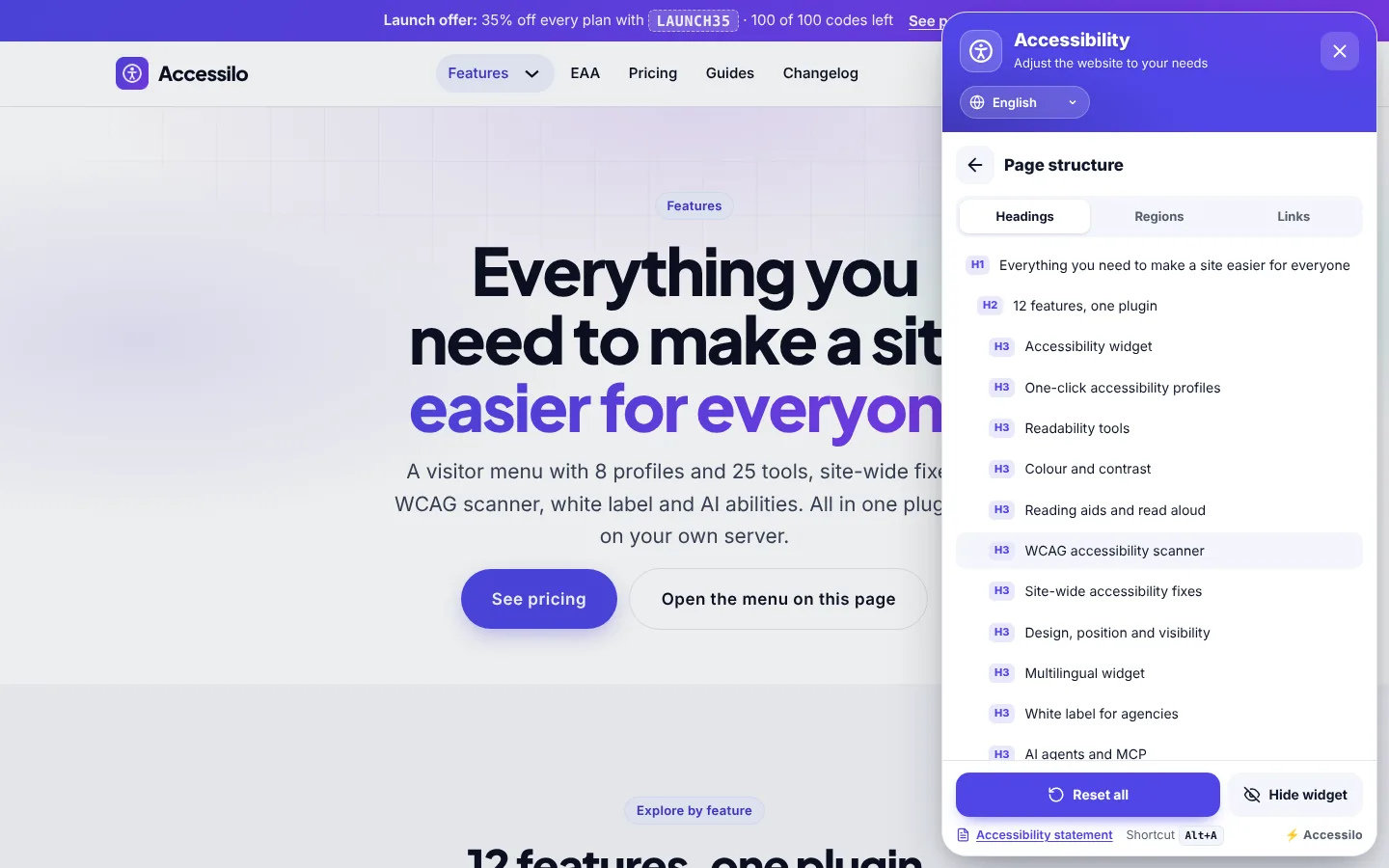
Page structure lists every heading, region and link of the page. Visitors jump straight to the section they need instead of scrolling and searching.
- Tabs for headings, regions and links
- Heading levels shown clearly
- One click to jump to the section
- Great for keyboard and screen-reader users
Reading mode turns any article into clean text
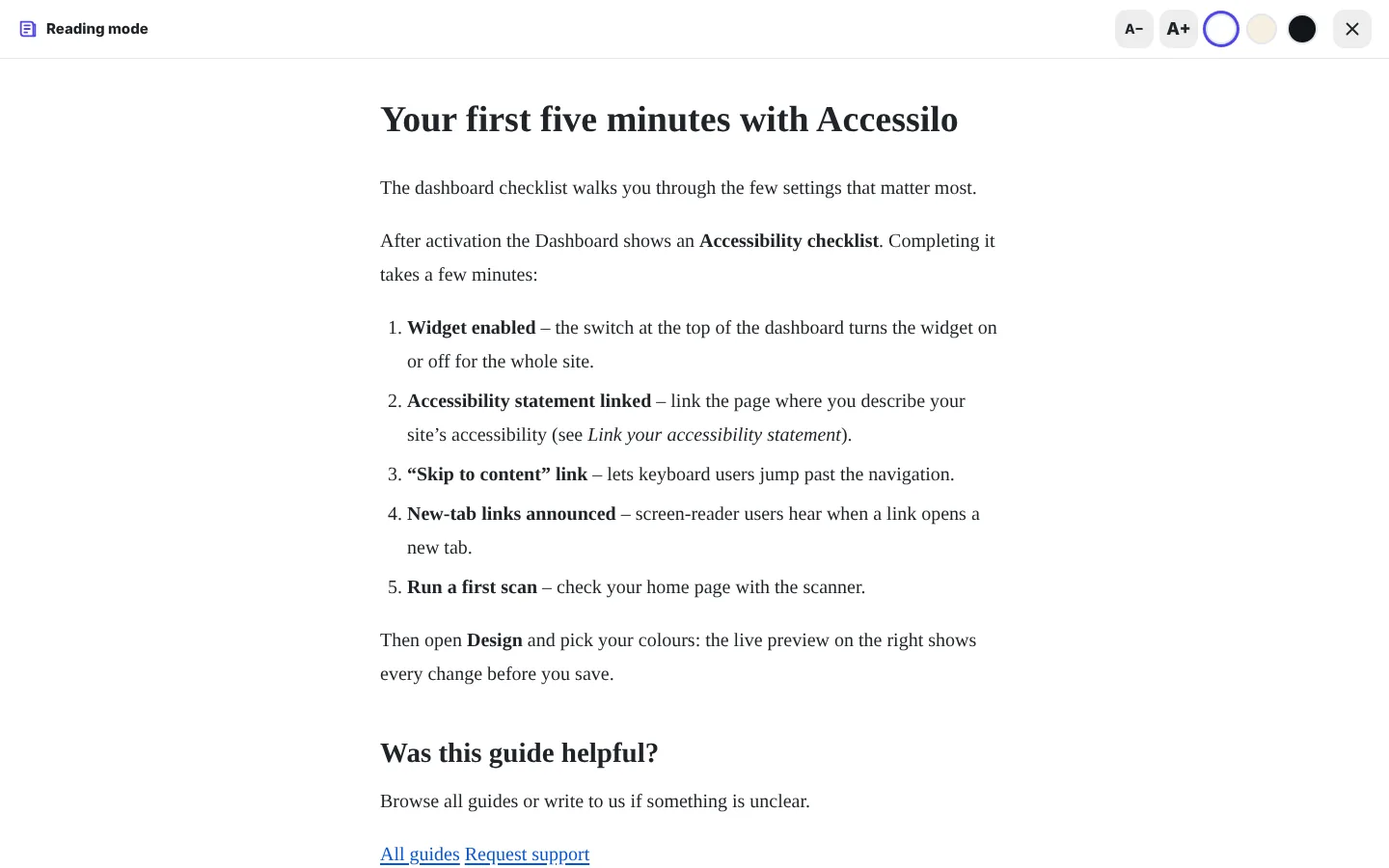
Reading mode shows the main content in a simple, calm view with its own size and colour controls. Perfect for long guides, blog posts and documentation.
- Main content only, no layout clutter
- Adjustable text size and background
- Close it to return to the full page
- Works on any theme
Reading guide and reading mask
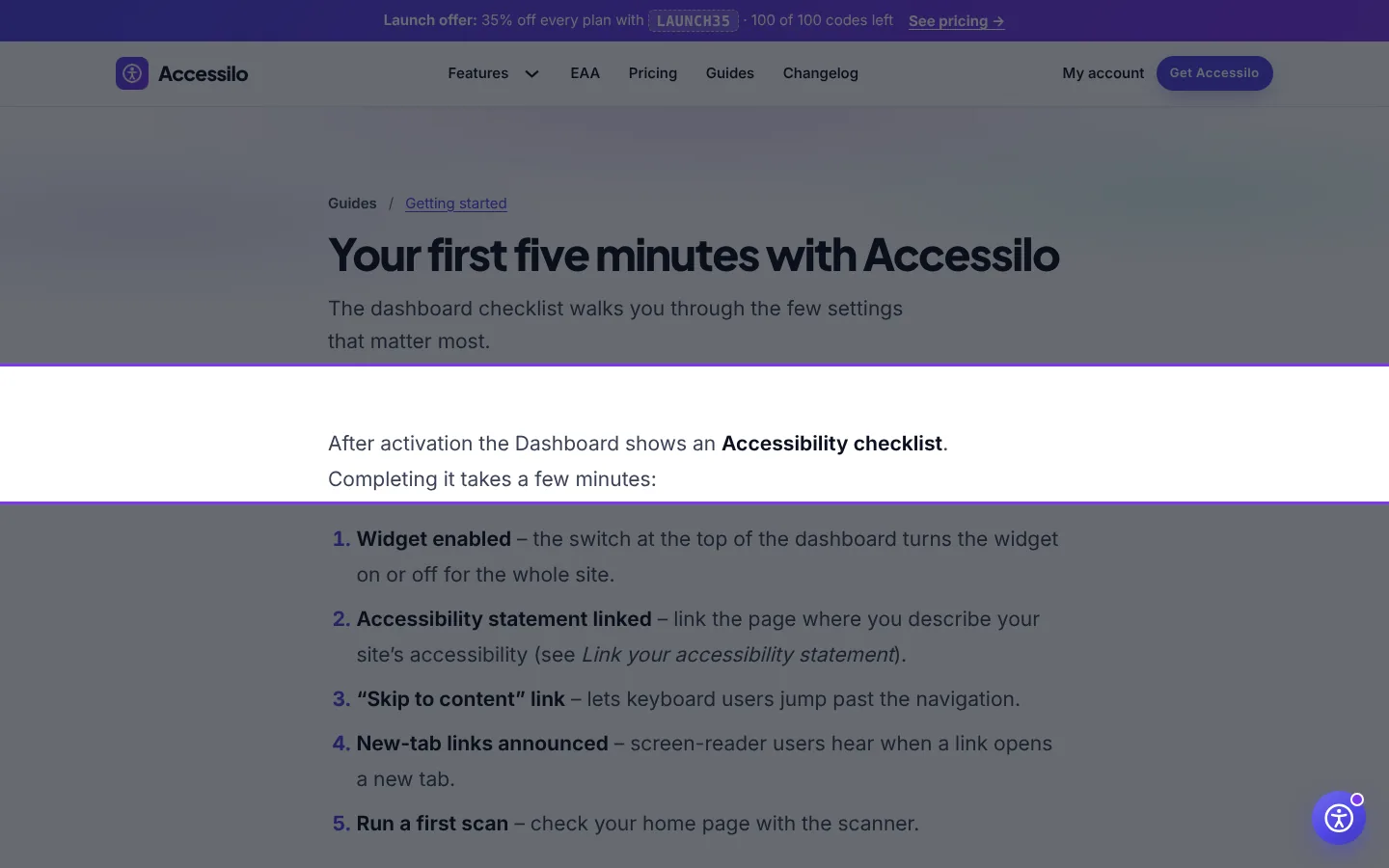
The reading guide draws a line under the text being read, the reading mask dims everything except a band around it. Both follow the mouse and help readers stay on track.
- Follows the mouse smoothly
- Ideal for dyslexia and ADHD
- Combine with larger text and spacing
- Turn off with one click
How it works
Ready the moment a visitor needs it.
Open the Orientation section
All reading and navigation aids are grouped together.
Switch on an aid
Read aloud, reading mode and page structure open their own controls.
Reset when done
One button turns everything off again.
Questions about reading aids and read aloud
Does read aloud send my content to a third party?
No. It uses the speech engine built into the visitor’s browser and operating system, so nothing leaves the device.
Which languages can read aloud use?
Any language for which the visitor’s device has a voice installed. Most modern systems include many languages.
Does stop animations also stop videos?
It freezes GIFs and CSS animations and pauses autoplay videos. Visitors can still start a video themselves.
Can I disable some of these aids?
Yes. Every tool can be switched on or off individually on the Features screen.
15-day money-back guarantee
Try Accessilo on your sites with zero risk. If it's not right for you, for any reason, write to us within 15 days of your purchase and we'll refund you in full. No questions asked.
Make your next site welcoming to everyone
Install in two minutes, tune it to your brand, and let every visitor read your site their way.
Launch offer: 35% off with LAUNCH35
