Quick wins for keyboard and screen-reader users, on every page
Some improvements help every visitor, whether or not they open the menu. Accessilo adds them across your whole site with a single switch each, no theme edits needed.
15-day money-back guarantee · Works with any theme · No cookies
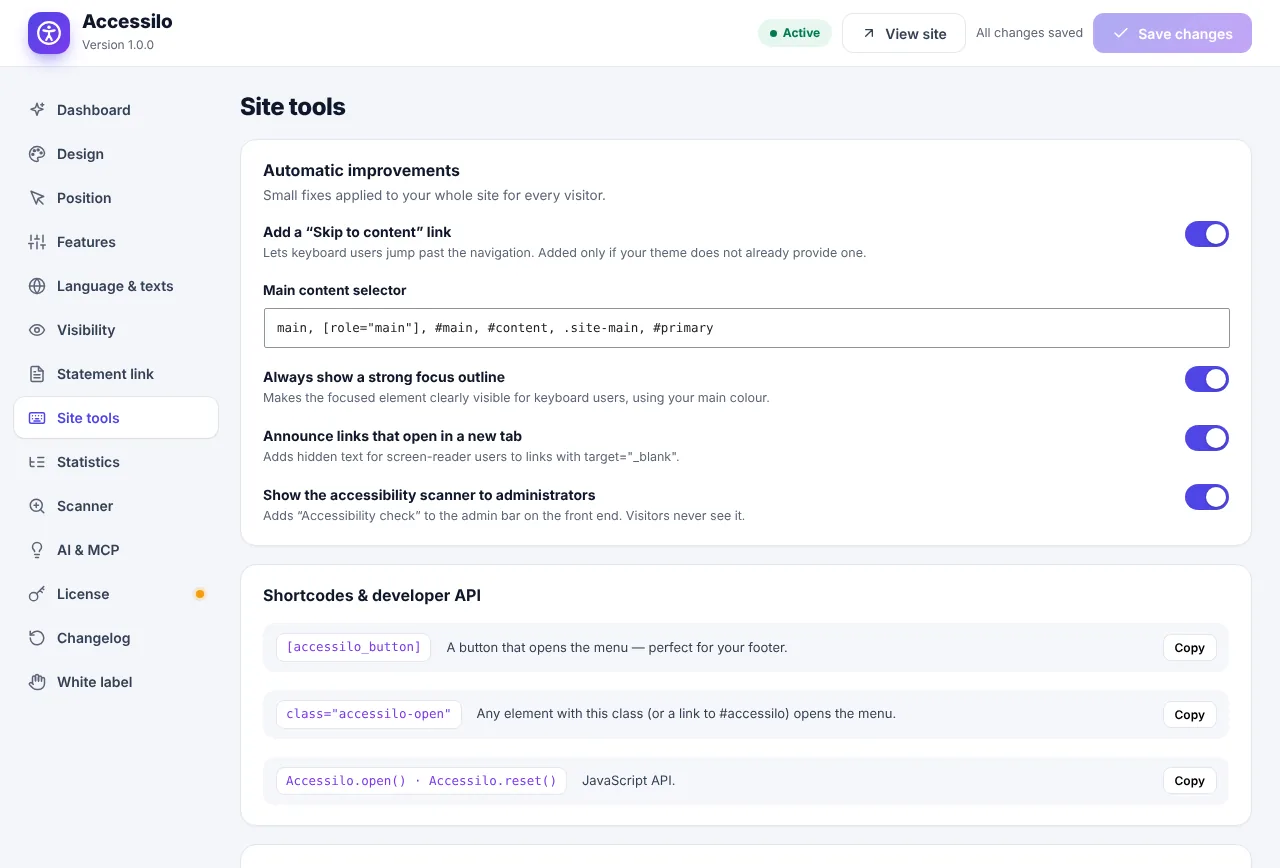
Small details that make a big difference
Fixes that keyboard and screen-reader users rely on, applied everywhere at once.
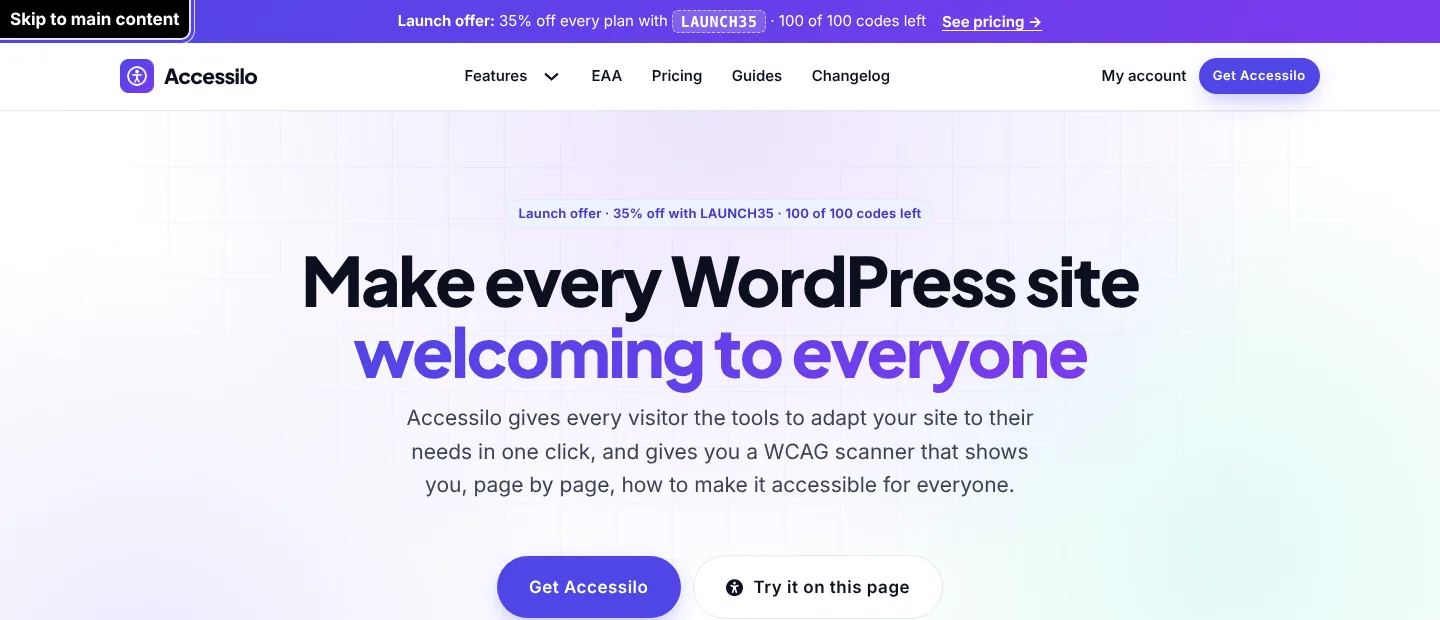
Skip to main content
Keyboard users jump straight past the navigation to your content.
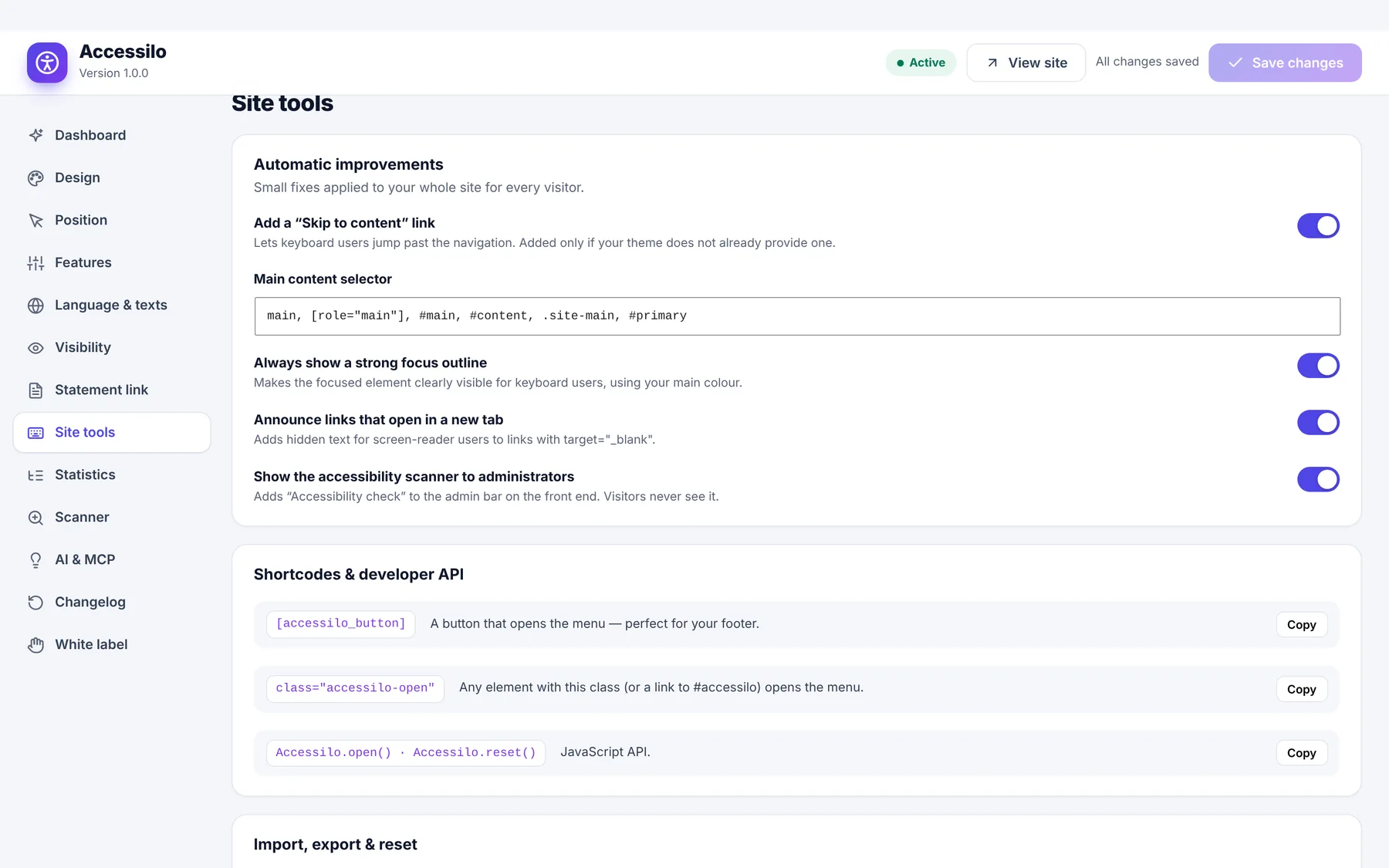
Strong focus outline
The keyboard position is always clearly visible.
New-tab announcements
Screen-reader users hear when a link opens a new tab.
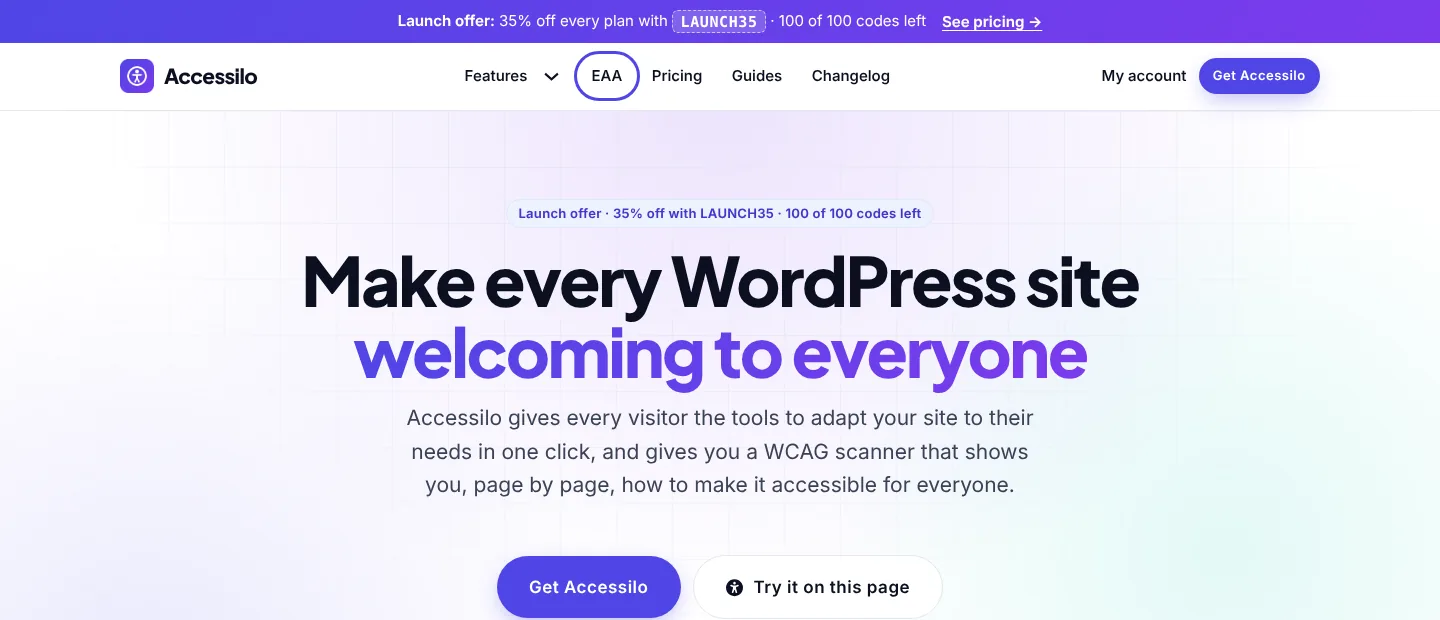
Main content selector
Tell Accessilo where your main content starts, for any theme.
Shortcode and class
Open the menu from your own button, link or footer.
JavaScript API
Open, close, toggle, reset or set tools from your own code.
Straight to the content with one key
Press Tab on any page and a “Skip to main content” link appears first. Keyboard users skip the menu and land right where the content begins.
- Added only if your theme has none
- Works with a custom main content selector
- Visible only when focused
- Second link to jump to the footer
Always know where you are
A strong, high-contrast focus outline shows exactly which link or button is selected. It appears only for keyboard navigation, so mouse and touch users see your design as before.
- Consistent outline across the whole site
- Only shown for keyboard focus
- Works on links, buttons and form fields
- No theme changes needed
Shortcodes and a small JavaScript API
Put an “Accessibility” link in your footer, a button in your header or open the menu from your own code. Everything is documented in the Site tools screen.
- shortcode
- Class accessilo-open on any element, or a link to #accessilo
- Accessilo.open(), close(), toggle(), reset(), set()
- accessilo:ready event on window
How it works
Switch it on, done.
Open Site tools
Go to Accessilo › Site tools in your WordPress admin.
Switch on the fixes
Enable the skip link, focus outline and new-tab announcements.
Save
The fixes apply to every page immediately.
Questions about site-wide fixes
Will the focus outline change my design?
It only appears when visitors navigate with the keyboard, so mouse and touch users see your design exactly as before.
My theme already has a skip link. Will I get two?
No. Accessilo only adds its skip link if your theme does not already have one.
Can I open the menu from my own button?
Yes. Use the shortcode, the accessilo-open class, a link to #accessilo or call Accessilo.open() in JavaScript.
Do these fixes make my site compliant?
They solve common keyboard and screen-reader barriers across the site. Use the scanner to find what else to improve on each page.
15-day money-back guarantee
Try Accessilo on your sites with zero risk. If it's not right for you, for any reason, write to us within 15 days of your purchase and we'll refund you in full. No questions asked.
Make your next site welcoming to everyone
Install in two minutes, tune it to your brand, and let every visitor read your site their way.
Launch offer: 35% off with LAUNCH35
